

A better manufacturing quote starts with a clearer file.
What to include alongside your CAD so the specification communicates the part you actually need.
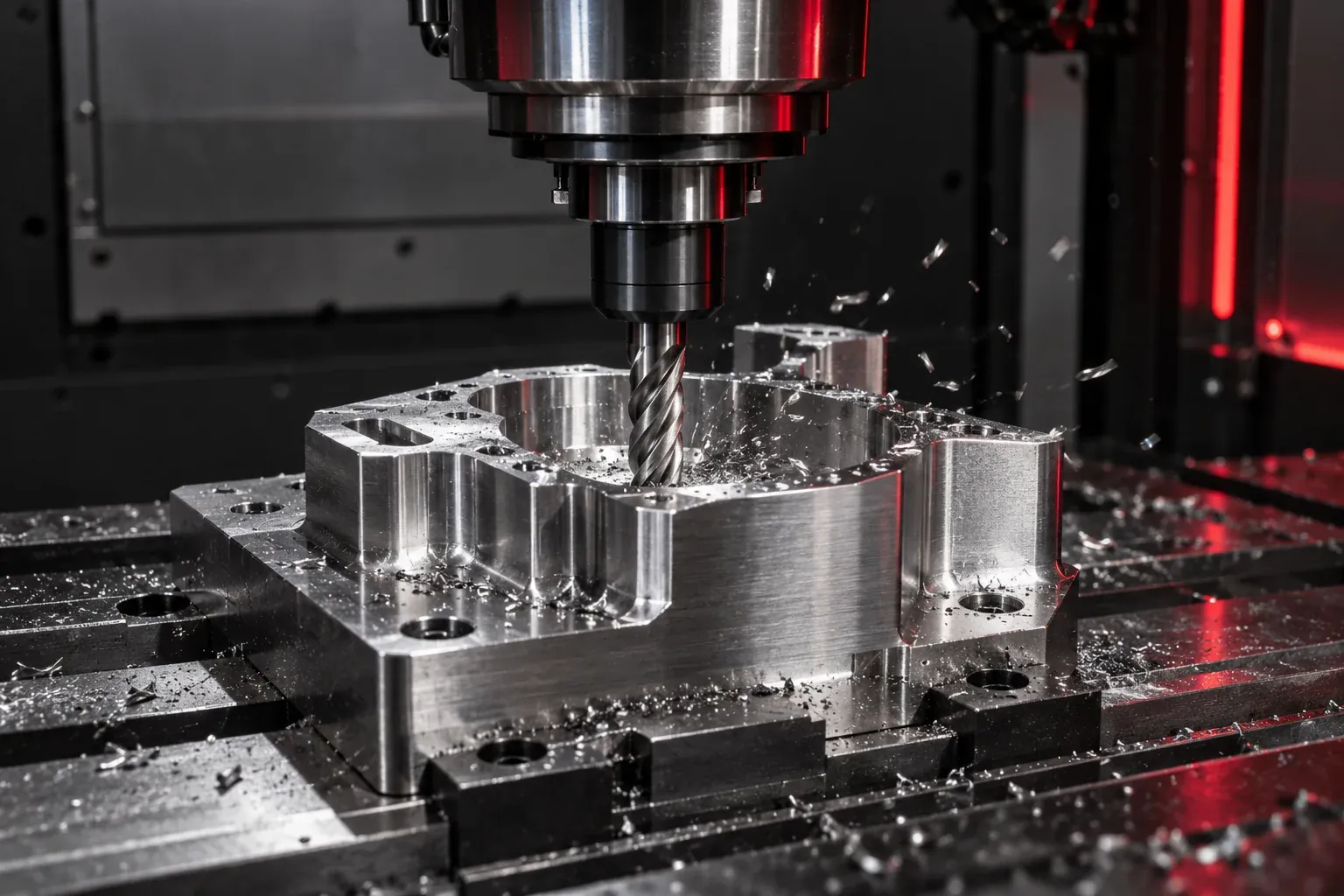
The CAD model describes geometry, but a manufacturer may need more information to understand the intended part. A concise specification helps turn a file into a useful manufacturing conversation.
01Choose the file for the process
Use solid CAD such as STEP for machined parts, a suitable watertight mesh for printing, and a clean flat DXF for profile cutting. Keep file units explicit. An export should represent the revision you want to make.
02Name the material and quantity
“Metal” or “plastic” leaves a lot undecided. Specify a grade when you know it, or describe the relevant operating needs when you need help selecting one. Include the number of parts required for this order and any expected repeat quantities.
03Identify the important features
Add a drawing when a fit, thread, finish, or other requirement is not evident from the model. Mark the features that drive assembly and function. This helps focus the review on the dimensions that actually matter.
04Explain the finish
Identify visible faces and describe the required appearance. An as-printed, as-machined, polished, or coated surface can involve different operations. A reference sample or finish specification is more useful than a broad word such as “premium”.
05Keep the revision unambiguous
Give related files consistent names and revision labels. Remove superseded exports from the enquiry. If you change the CAD after a quote, make sure the updated geometry and specification are reviewed before manufacturing begins.
Keep reading. More from the studio.
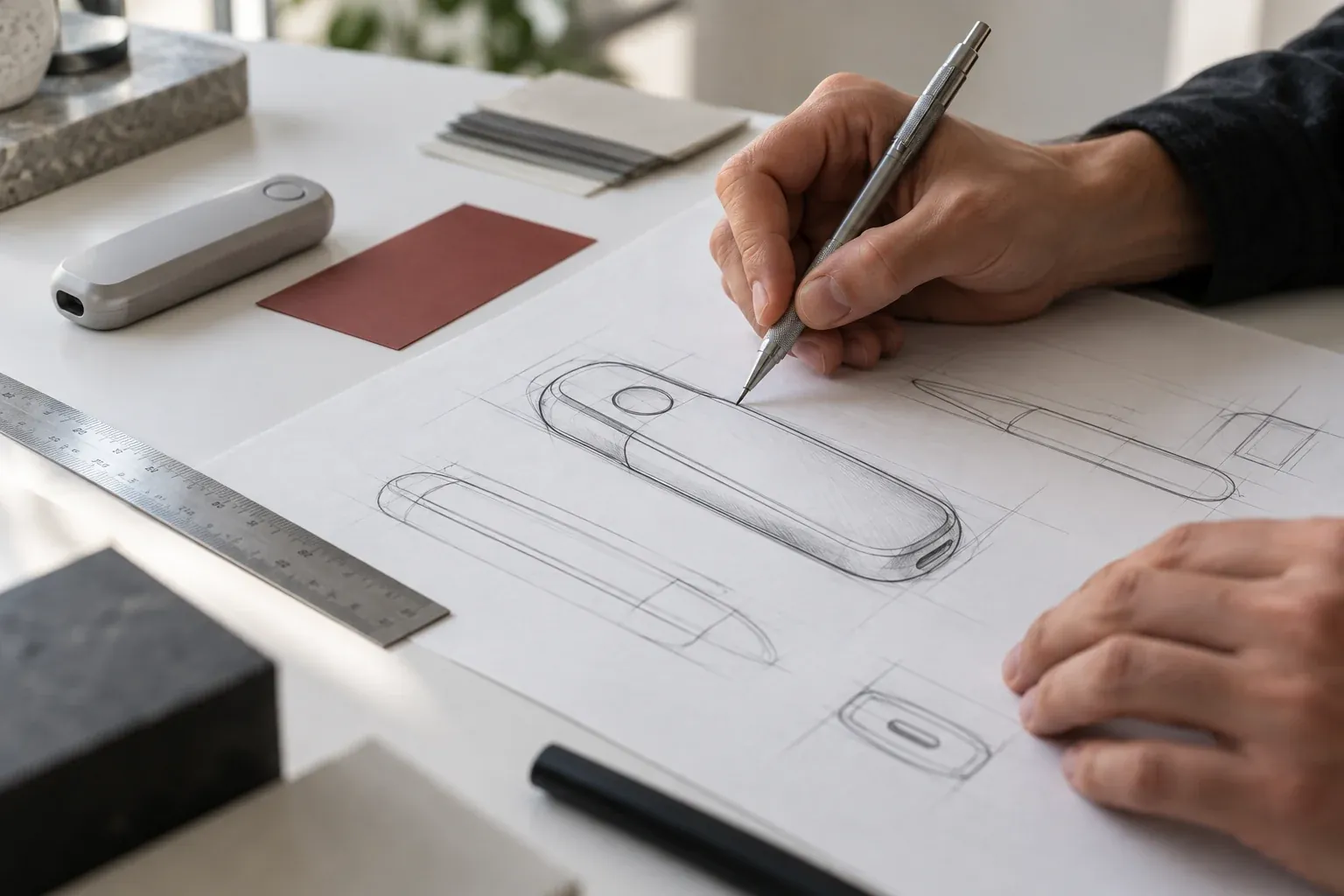 BlogYour idea is a starting point. Here’s what comes next.A practical way to structure the journey from a rough thought to a product brief, a prototype, and a production decision.Read more
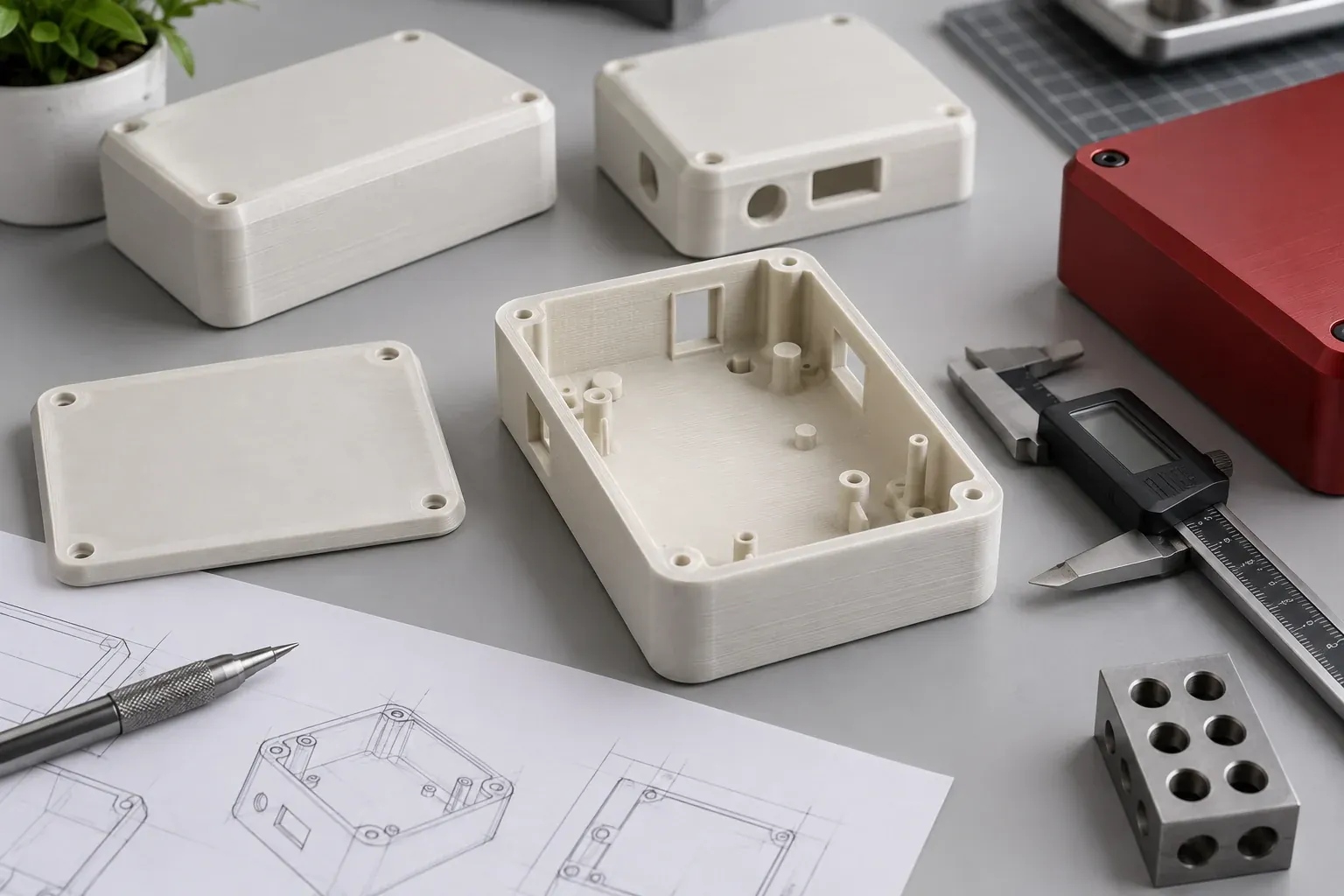 DFMDesign the assembly, not just the individual parts.Five questions to ask when a product looks resolved in CAD but still needs to come together in real life.Read more
Your next product.
Let’s make it happen.
A rough idea, a challenging detail, or a part ready to make. Let’s find the right next step.
Book a free call30 min · No obligation · Pick a time that suits you